
Quick start
Check the prerequisites, install, connect to Adyen and test.
Free and open source · runs on Adyen Android terminals
Mini mPOS runs directly on Adyen Android terminals, so one device rings up products, takes the payment, prints or emails the receipt, and refunds by scanning it. No separate till, no tablet and no app subscription. Prefer a tablet or phone? Mini mPOS runs there too, with your terminals or Tap to Pay.
Check the prerequisites, install, connect to Adyen and test.
Take payments, refund, deliver receipts and close the day.
Fix unknown results, declines, pairing, network and printer problems.
From one counter to many devices across stores, events, deliveries and service calls: products, payments, receipts and refunds, without a back office to run.
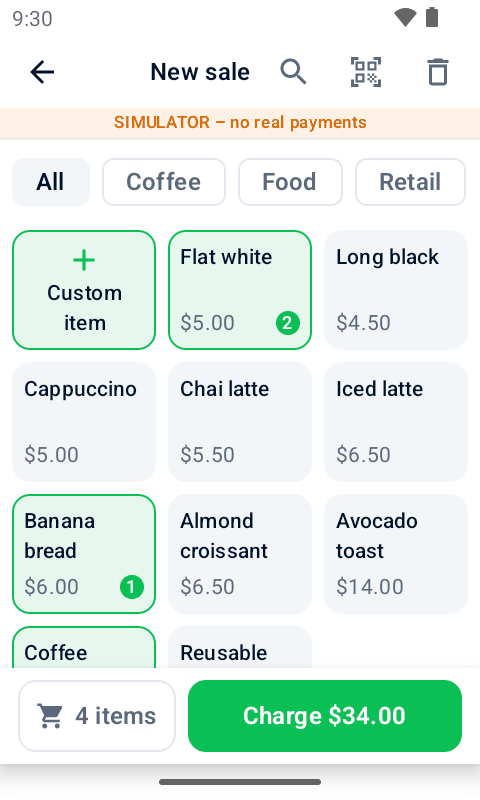
Keep a product list with prices, categories, barcodes and tax. Search, filter, scan a barcode, or key in a custom amount.
Take card and wallet payments with Adyen on the terminal itself, or from a tablet or phone with a terminal or Tap to Pay.
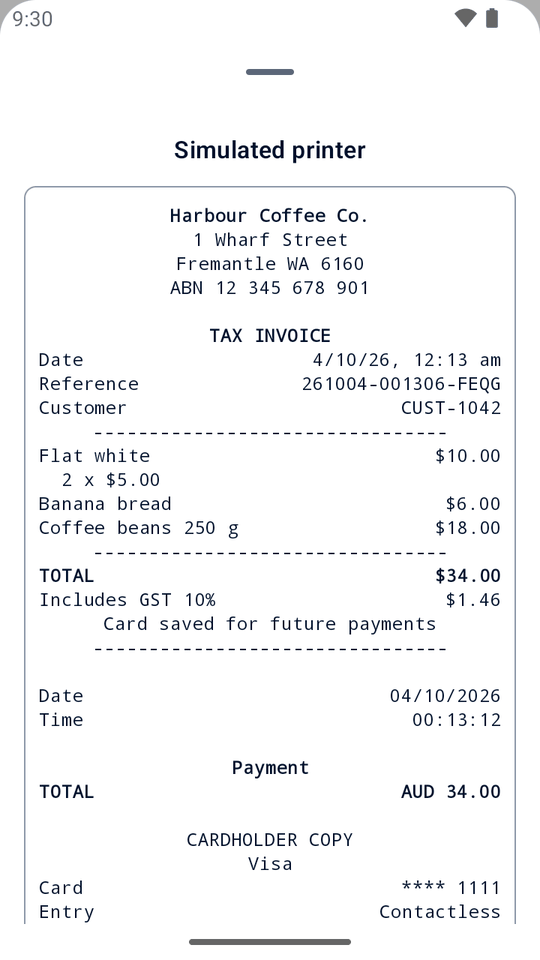
Print a complete receipt with your business details and a refund QR code, email it, or share it from a tablet or phone.
Send a payment link instead: the customer scans its QR code or opens it from an email, and pays on Adyen's payment page.
Scan the QR code on the receipt, then refund everything, a few items, or an amount. Always linked to the original payment.
Hold a deposit for a booking or rental. Collect the payment later, adjust the amount or release the hold.
Let customers leave a tip on the printed receipt, then add it to the bill when they are ready.
Set your own tax rates, include tax in prices or add it at checkout. Choose any currency Adyen supports.
Fill in your keys on a computer with the setup helper and scan them in. Copy products and settings to more devices by QR code, keys included, protected by a transfer code.
Protect setup with an admin PIN and financial follow-up actions with a separate Manager PIN. Passwords and keys stay encrypted.
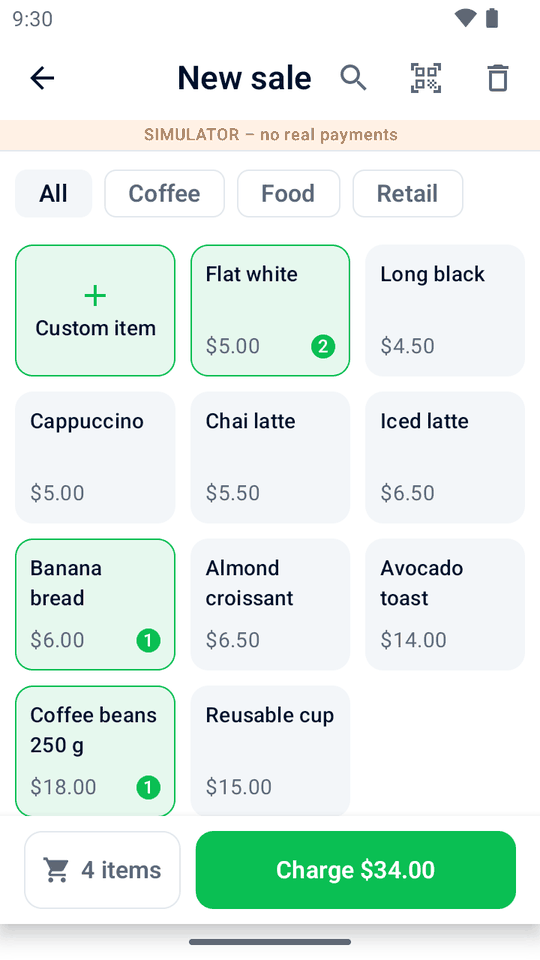
Tap products or key in an amount.
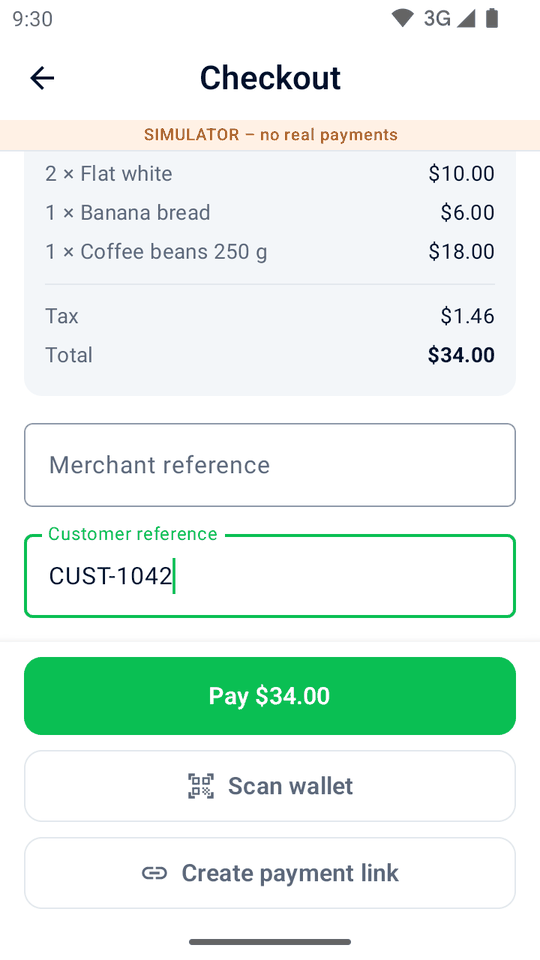
Add a reference and, with consent, save the card.
One slip with everything, plus a QR code.
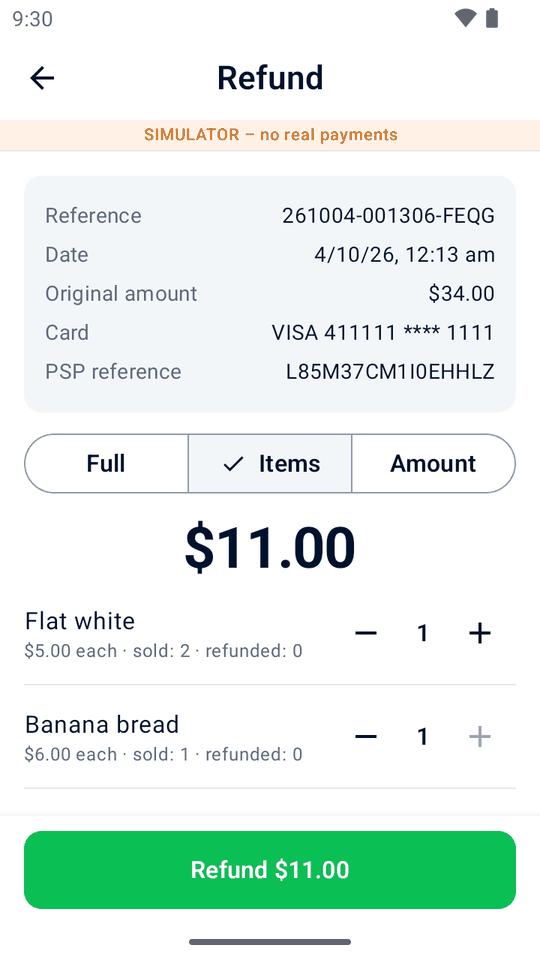
Scan the receipt and pick what to refund.
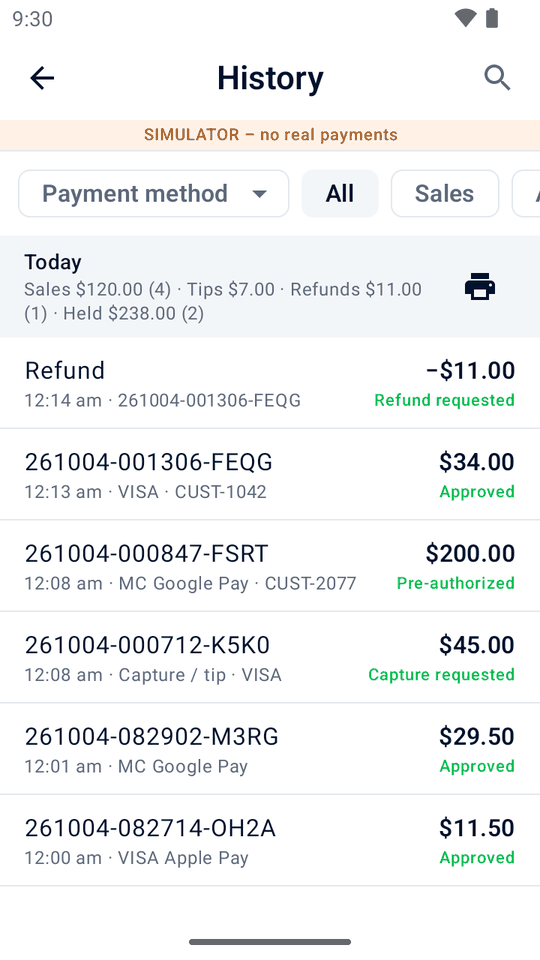
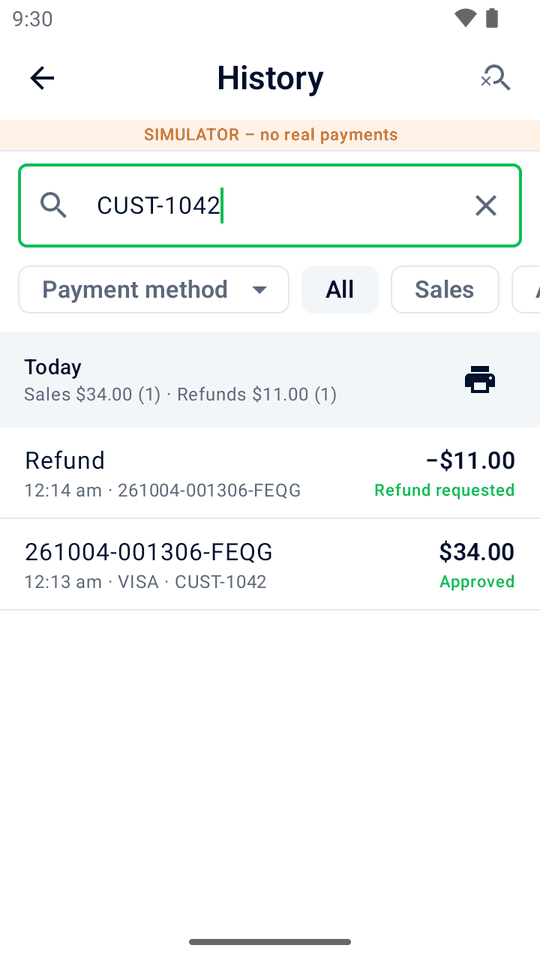
See daily totals and find sales, refunds and deposits in a few taps.
Installed on the terminal, Mini mPOS needs no other hardware and no backend to run. On a tablet or phone, it works with your terminals or Tap to Pay.
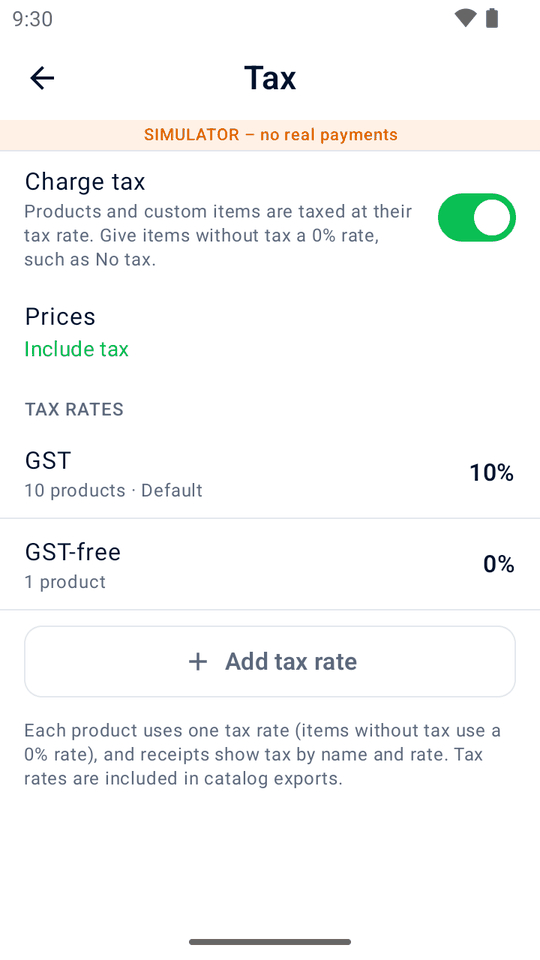
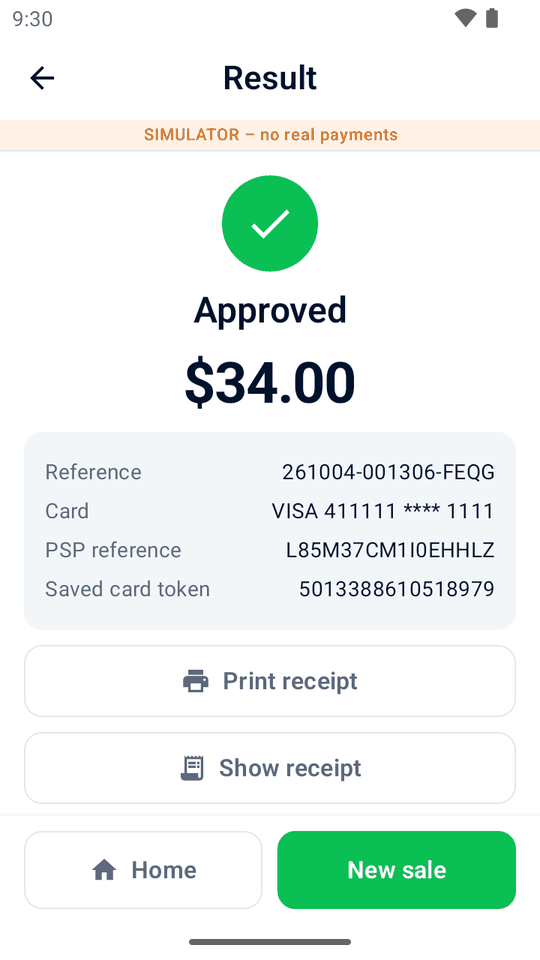
Explore the built-in simulator on an Android phone or emulator, without a payment terminal.
Download the app, put it on your terminals through your Adyen Customer Area (or install it on a tablet or phone), and scan in your keys from the setup helper. Our guide walks you through it.
Run directly on an Adyen Android terminal for an all-in-one checkout, or use an Android tablet or phone with a network terminal, cloud terminal or Tap to Pay. See requirements and setup choices. Printing needs a printer; scanning needs a camera.
The app is free and open source under the MIT license. Adyen's payment processing fees still apply.
No. Mini mPOS is not made, endorsed or supported by Adyen. Test your setup in Adyen's TEST environment before going live. See where to get help for app and Adyen questions.
No. Products, settings and history stay on each device. QR transfers copy products and setup, not payment history or ongoing changes. See devices and data.
No server, but every real-payment setup needs Checkout API credentials. Other keys depend on where payments go. They are encrypted on the device, a trade-off against Adyen's server-side recommendation. Follow connection setup and the security guidance there.